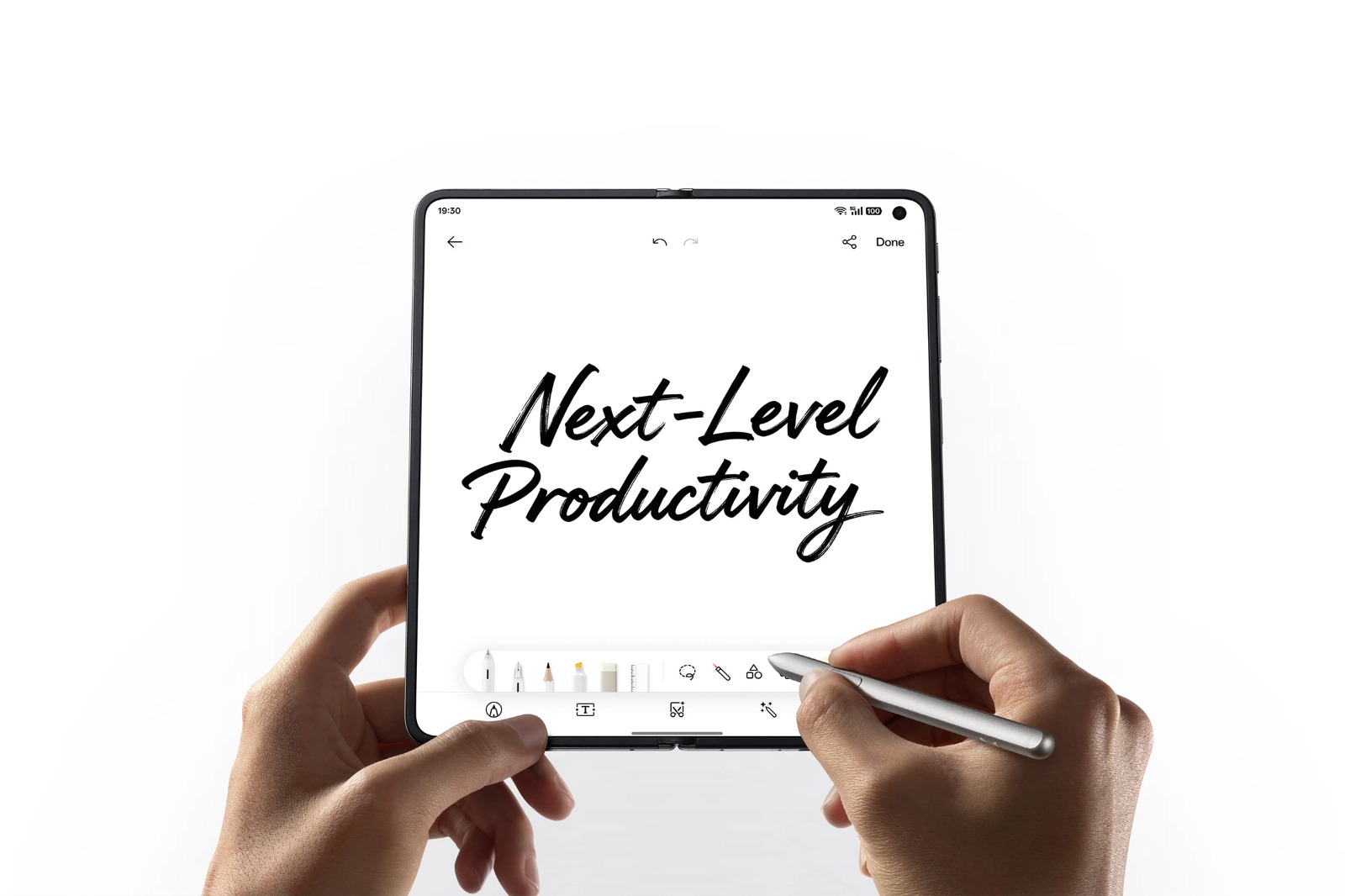
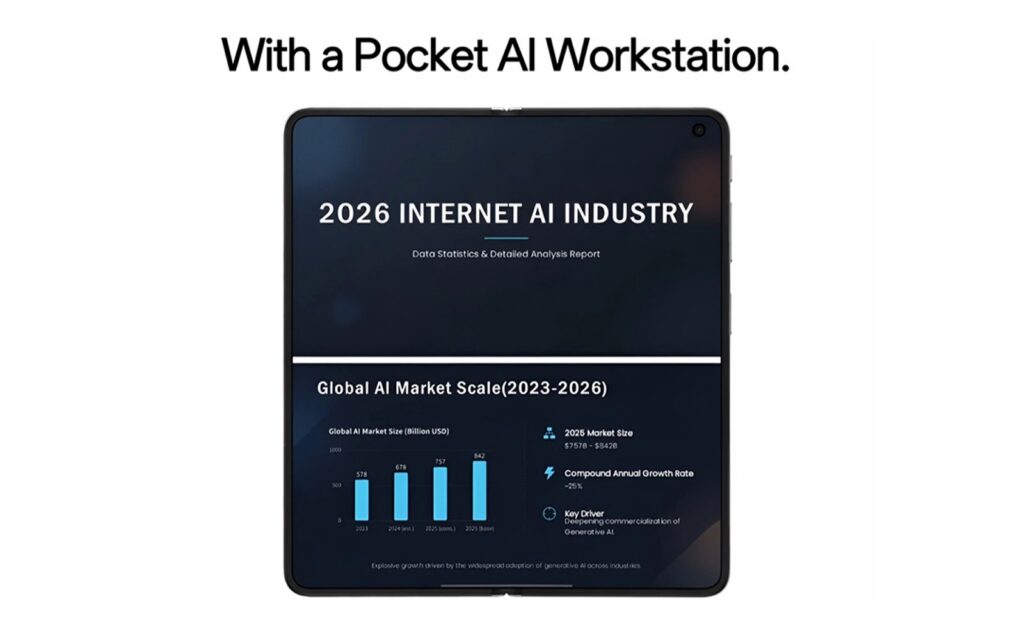
OPPO is highlighting two features of its AI Pen designed to help users work with handwritten notes, diagrams, documents, and images on the OPPO Find N6.
The features, called AI Chart and Global Annotation, are designed for different types of work. AI Chart can convert hand-drawn diagrams into digital charts, while Global Annotation allows users to write directly over documents and images.
AI Chart Converts Hand-Drawn Diagrams
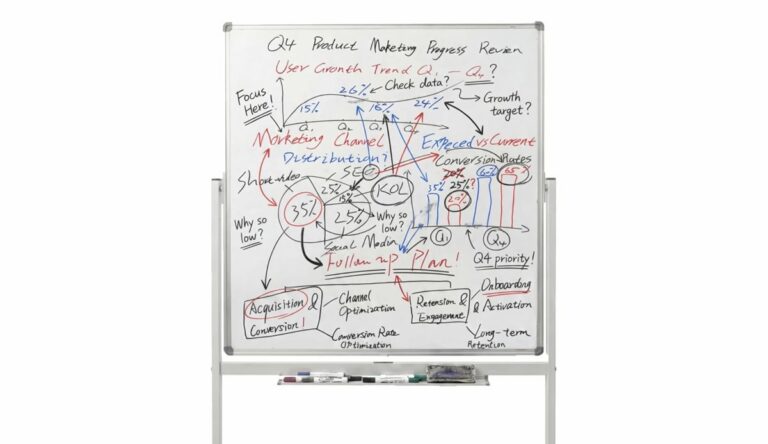
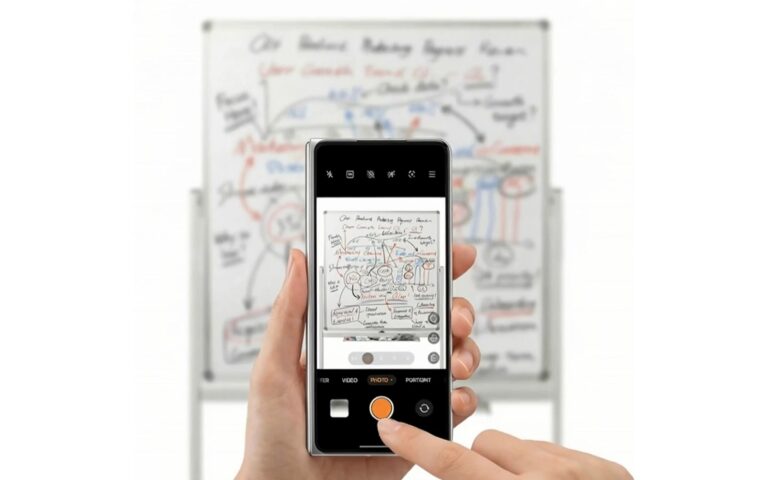
The AI Chart feature can be used when working with a photo of a whiteboard or a hand-drawn diagram.
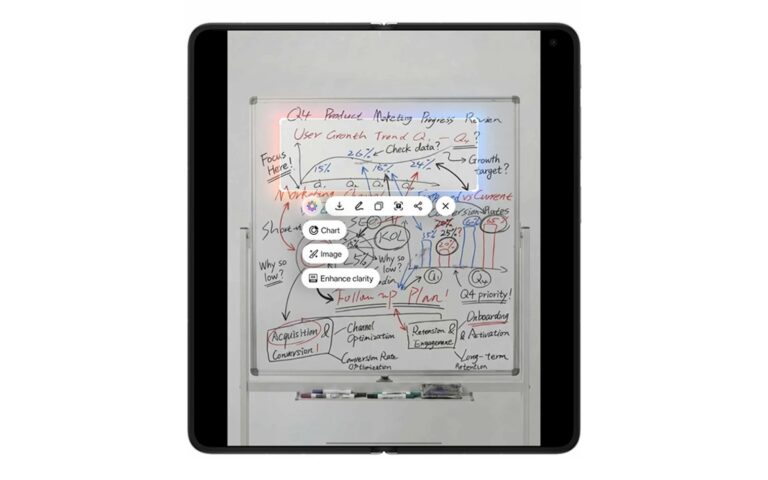
After opening an image containing the diagram, users can press and hold the OPPO AI Pen button, circle the relevant area, and activate AI Chart. According to OPPO, the feature can recognize the structure of diagrams even when lines or spacing are uneven.
The system then processes the sketch and creates a digital wireframe, converting rough elements into a more structured diagram while retaining the original logic, according to OPPO.
Users can subsequently edit text and data, as well as apply different styles or color themes. The chart can also be edited using the AI Pen.
Depending on the chart type, the resulting file can be exported as an image, PDF, PPT, Excel, or XMind file.
Global Annotation Adds Handwritten Notes to Documents
The second feature, Global Annotation, is designed for reviewing documents and images.
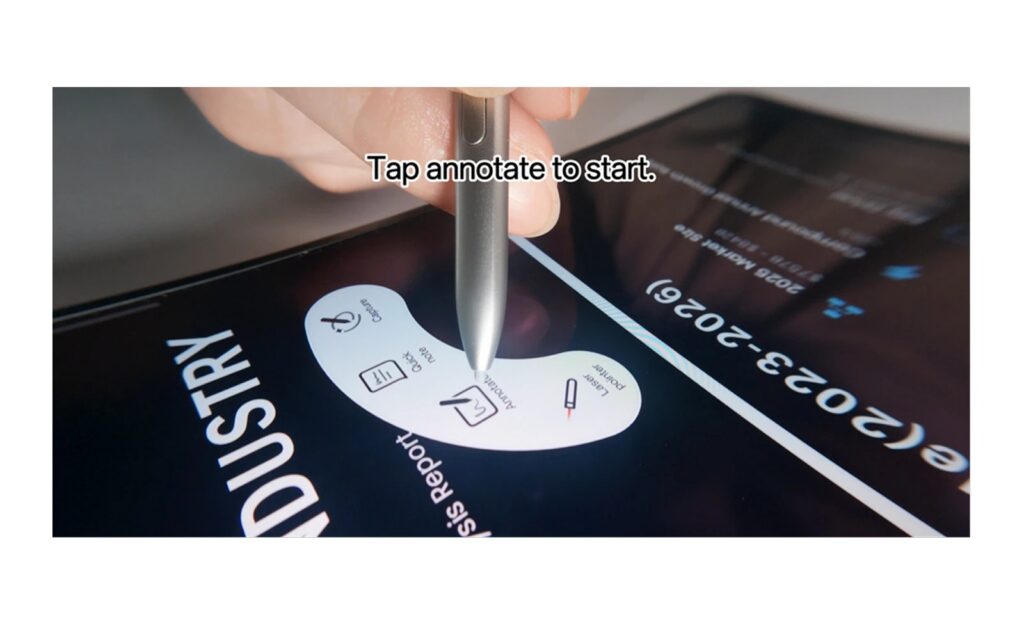
Users can open the document or image they want to review, press the AI Pen button to open the Stylus Palette, and select the annotation option. This enables full-screen handwriting mode.
Global Annotation allows users to continue writing while scrolling through longer pages. They can circle content, add notes, and mark different parts of a document while keeping the original layout visible.
The feature also supports different pen strokes and ink colors. Users can use these tools to distinguish corrections, questions, and follow-up notes when reviewing content.
Once the review is complete, annotated work can be shared as a PDF or JPG directly from the device.
OPPO AI Pen on the Find N6
The two features provide different workflows for users working with visual information. AI Chart focuses on converting photographed or hand-drawn diagrams into editable charts, while Global Annotation is intended for adding handwritten feedback to documents and images.
OPPO’s release presents both features as tools for handling meeting notes, diagrams, and document reviews on the Find N6.